

None
None
Long Story Video Skill
Shape one idea into a 10-second to 10-minute video — AI drafts the script, the prompts and the footage for you.
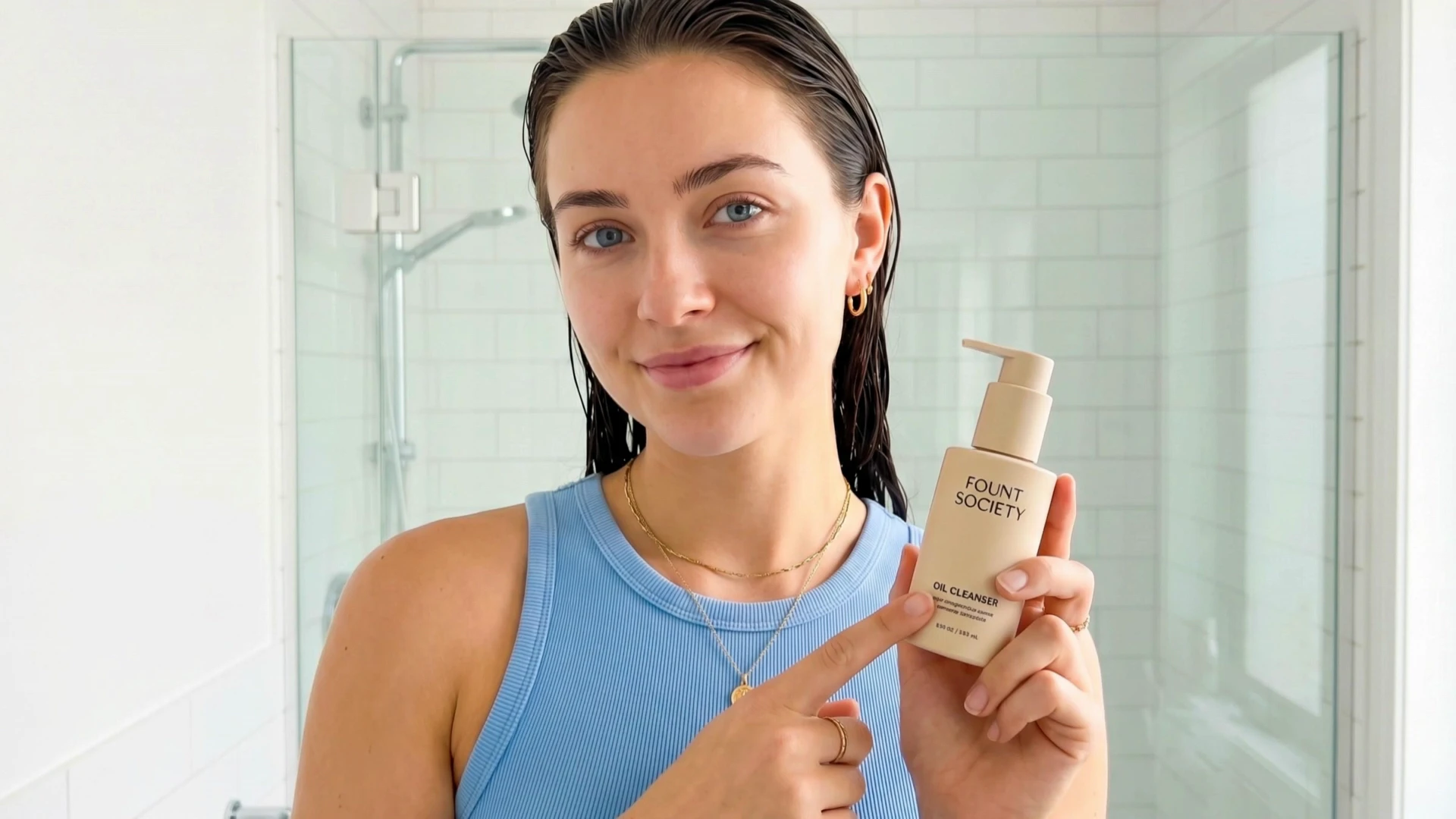
Ads Video Skill
Produce professional ads and sales videos — scripts, prompts and footage generated automatically.
3D Science Explainer Video Skill
Shape scientific ideas into clear, animated 3D explainer scenes
Feedback
freeTrialImage.bannerPity
freeTrialImage.upgradeUnlock
- ✓freeTrialImage.benefitHd
- ✓freeTrialImage.benefitWatermark
- ✓freeTrialImage.benefitUnlimited
AI Ad Video Example
Loading...
Geminigen.AI Video Maker
Craft share-ready videos from a text brief or a single photo with Geminigen.AI Video Maker — built for social feeds, paid ads and client deliverables.
All Tools
Discover our comprehensive AI-powered animation toolkit
MiniMax H3
MiniMax H3 AI Video Generator
Seedance 2.5
The Future of AI Video Is Here.

Seedance 2.0
The Future of AI Video Is Here.

Seedance 2.0
The Future of AI Video Is Here.

AI Multi-Scene Shorts Generator
Create viral AI Shorts instantly

3D Science Video
Create 3D science videos easily

Free GPT Image 2.5
Next-generation image creator

Nano Banana2
Best Image Generator
What Makes Geminigen.AI Video Maker Different
Feed in a written brief or one still frame, and Geminigen.AI Video Maker returns a tidy video file suited to feeds, campaigns or client handoff.
- One Line of Copy or One Photo Is EnoughA few words or a single picture gives Geminigen.AI Video Maker what it needs to render a tidy, download-ready clip.
- Batch Several Versions, Then Judge Them TogetherCreate a handful of variations from one idea, view them side by side and keep refining the wording until the look is right.
- Files That Fit Your Existing Edit PipelineExports leave the tool in standard video formats, so they open in your editor or go straight to social and ad channels without conversion.
How Geminigen.AI Video Maker Takes You from Idea to Export
Three straightforward stages move you from a text brief or a still frame to a clip you can publish with Geminigen.AI Video Maker.
Core Capabilities of Geminigen.AI Video Maker
Both written prompts and photos feed the engine, alongside long-story, advertising and explainer modes, quick retries and files made for downstream use.
Prompts, Photos or Both as Starting Points
Geminigen.AI Video Maker accepts written descriptions, reference pictures or a combination, turning any of them into motion.
Story Mode That Can Run to Ten Minutes
The Long Story Video skill expands one concept into clips from about 10 seconds to 10 minutes, with AI drafting the script, prompts and footage.
Ad and Sales Clips Built for Conversion
The Ads Video skill is designed for promotion and sales: it writes the script, prepares the prompts and renders the footage automatically.
Animated 3D Explainers for Science Topics
For educational content, the 3D Science Explainer Video skill turns scientific ideas into clear, animated three-dimensional scenes.
Quick Retries with Grouped Version Review
Produce multiple takes from the same idea, inspect them together and keep adjusting your prompt until the result looks right.
Downloads Ready for Social, Ads and Editorial
Downloaded files arrive in formats suited to social, advertising or editorial work and move smoothly into your current editing workflow.
Geminigen.AI Video Maker: Common Questions
Answers on what you can feed in, swapping narration, testing versions, output file types and commercial rights in Geminigen.AI Video Maker.
Which starting materials does Geminigen.AI Video Maker accept?
You can supply written prompts, reference photos or a blend of both. Images guide motion and framing, while a detailed prompt controls mood, lighting and action.
Is it possible to replace the voiceover after generating?
Yes. In the refinement stage you can adjust scenes and swap voices, so narration can be changed before the clip is finalized.
What is the best way to test versions and pick one?
Generate a batch of variations, review them together and continue adjusting your prompt until the output matches your brief.
Which file types come out, and where can they go next?
Downloads are standard video files that open in common editors and upload cleanly to social platforms, so your workflow stays unchanged.
Can strong prompts be stored for later projects?
Prompts that produced good results can be saved as templates and reused, helping keep framing, color and pacing consistent across projects.
Are commercial use and private renders included?
Paid plans include a commercial license, private generations and a faster queue, so client and commercial work stays protected and on schedule.
Create Your First Clip with Geminigen.AI Video Maker
Give it a sentence or a single photo, review a few takes, then download the version that fits your campaign or client.