
None
None
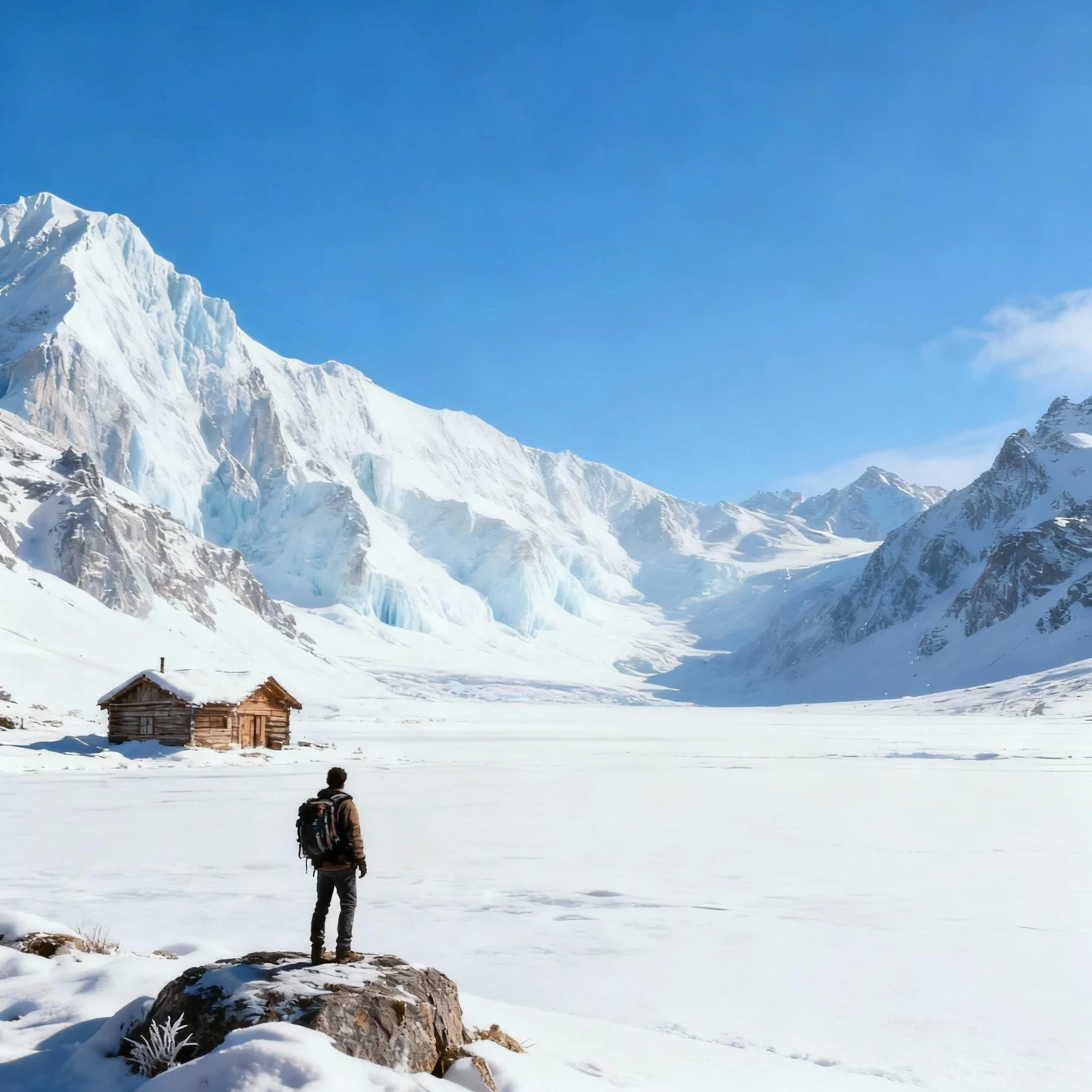
Long Story Video Skill
Take a single concept all the way to a 10s–10min narrative — the engine drafts the script, shapes the prompts and rolls out the shots on its own.
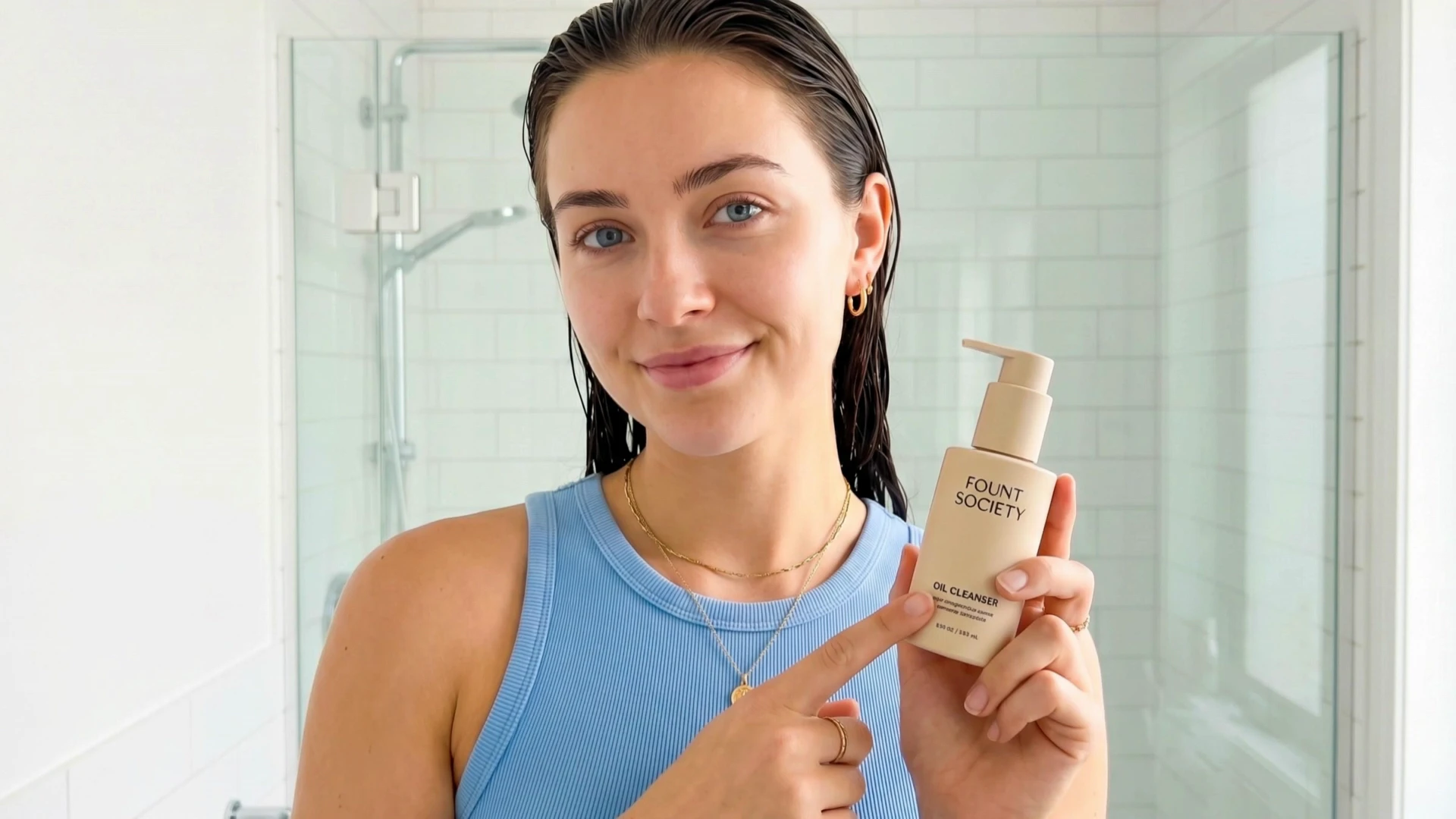
Ads Video Skill
Build polished promo and sales spots where the AI drafts the script, the prompt and the visuals in one pass.
3D Science Explainer Video Skill
Turn dense scientific topics into eye-catching 3D explainer animations
Feedback
freeTrialImage.bannerPity
freeTrialImage.upgradeUnlock
- ✓freeTrialImage.benefitHd
- ✓freeTrialImage.benefitWatermark
- ✓freeTrialImage.benefitUnlimited
AI Ad Video Example
Loading...
Geminigen IA Video Generator
Enter a scene description or upload an image, and Geminigen IA Video Generator creates publish-ready videos for social posts, ads and client projects.
All Tools
Discover our comprehensive AI-powered animation toolkit
MiniMax H3
MiniMax H3 AI Video Generator
Seedance 2.5
The Future of AI Video Is Here.

Seedance 2.0
The Future of AI Video Is Here.

Seedance 2.0
The Future of AI Video Is Here.

AI Multi-Scene Shorts Generator
Create viral AI Shorts instantly

3D Science Video
Create 3D science videos easily

Free GPT Image 2.5
Next-generation image creator

Nano Banana2
Best Image Generator
What Makes This AI Video Generator Stand Out
This platform converts a simple concept or a single image into a polished video suitable for social media, marketing campaigns and client presentations.
- Long-Form Story SkillExpand a single idea into a 10-second to 10-minute story — the system writes the script, builds the prompts and generates the shots automatically.
- Advertising Video SkillProduce professional promo and sales videos where the AI writes the script, creates the prompt and generates visuals in a single run.
- 3D Science Explainer SkillConvert complex scientific subjects into engaging 3D explainer animations.
How This AI Video Generator Works in Three Steps
Follow three simple steps to convert your text or image into a finished video with this tool.
Key Features of This AI Video Generator
Discover what this platform offers: text- and image-based creation, precise scene control, rapid iteration and publish-ready files.
Begin with Text or an Image
Give the tool a written description or a still photo, and it returns a moving video.
Control Every Scene Detail
Control pacing, framing, lighting and camera movement with simple text commands.
Compare Versions and Iterate Quickly
Generate multiple versions, compare them side by side and keep adjusting until you get the right result.
Export Publish-Ready Videos
Download files formatted for social media, advertising or editorial use — ready to drop into your editing workflow.
Store and Reuse Prompts
Store successful prompts as templates so each new project maintains a consistent visual style.
Commercial License, Private Generations and Priority Queue
Upgrade to paid plans for a commercial license, private video generation and priority processing for brand and client projects.
Frequently Asked Questions About This AI Video Generator
Find quick answers about input options, comparing different versions, and how exported files fit into your existing editing workflow.
What can Geminigen create from text or images?
Provide a text prompt or a still image, and the tool returns a completed video clip plus multiple versions to review before you download.
Is video editing experience required to use Geminigen?
No experience needed. Describe the scene or attach a photo, and the tool handles motion, timing and framing to produce a post-ready clip.
What input types does Geminigen accept?
You can use text, images or both together. A photo guides movement and composition, while a detailed prompt defines mood, lighting and action.
How do I compare versions and pick the best one?
Generate several options, view them side by side, and refine your prompt until a version matches your vision.
What output formats and workflows are supported?
Videos come as standard files that upload directly to social platforms and open in common editing software, so your existing process stays intact.
Can I save prompts for future projects?
Yes. Save prompts that worked well and reuse them to maintain consistent framing, color and pacing across all your projects.
Start Creating with Geminigen IA Video Generator
Provide a prompt or reference image and get a publish-ready clip — create, compare and export in just minutes.